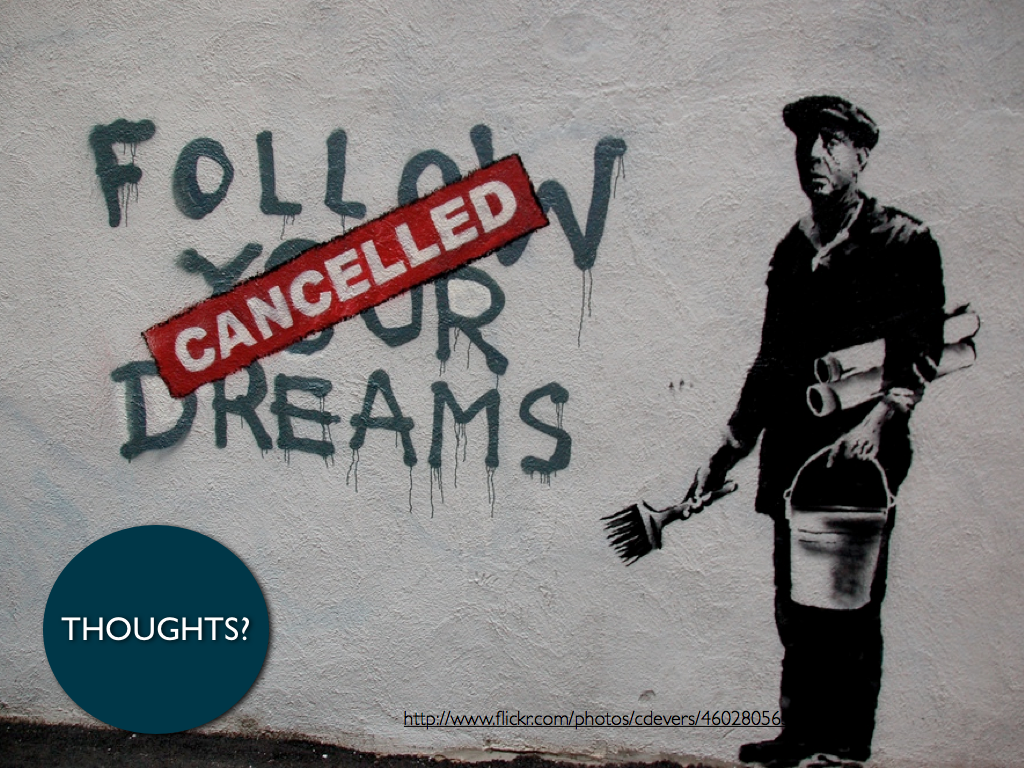
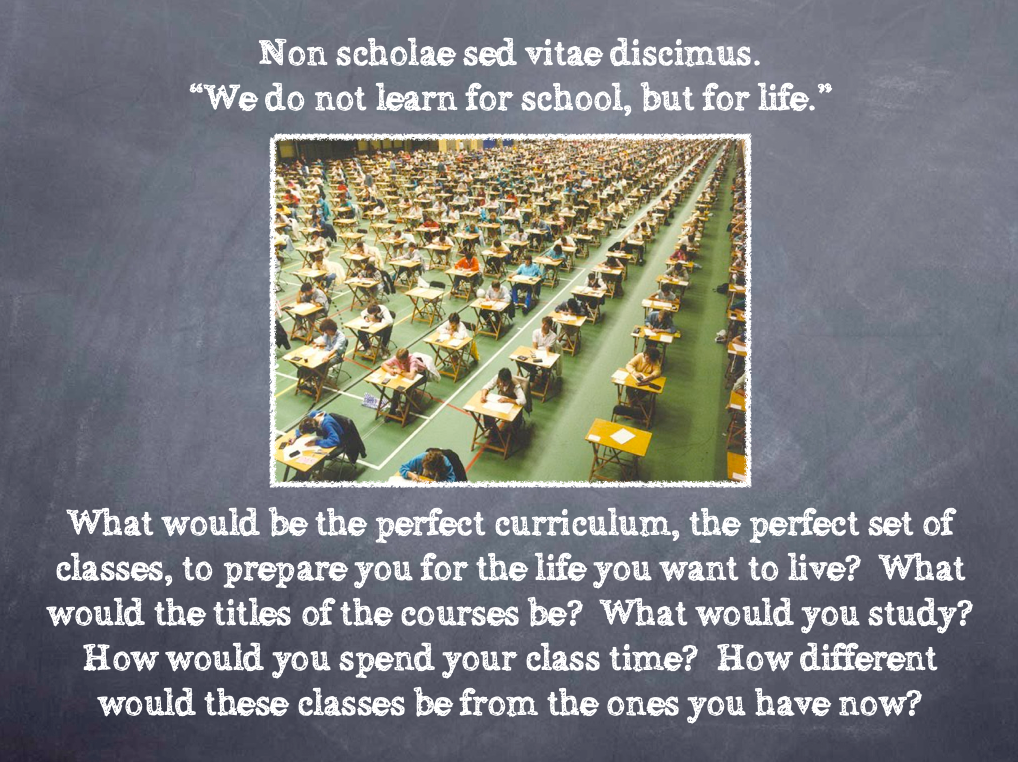
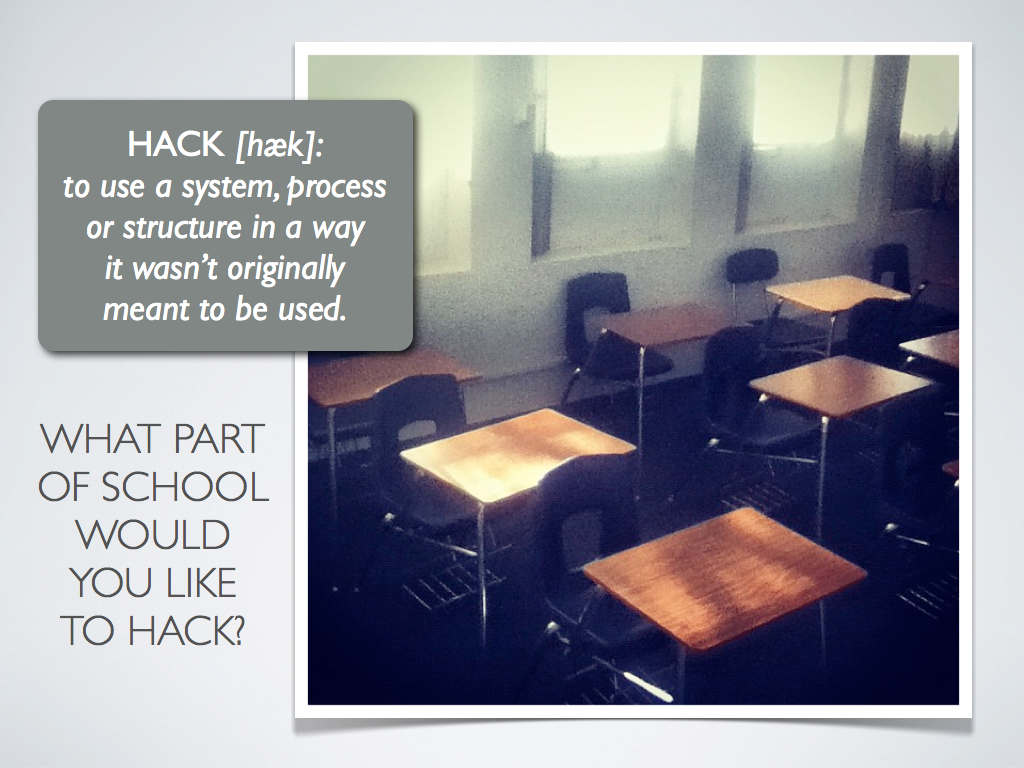
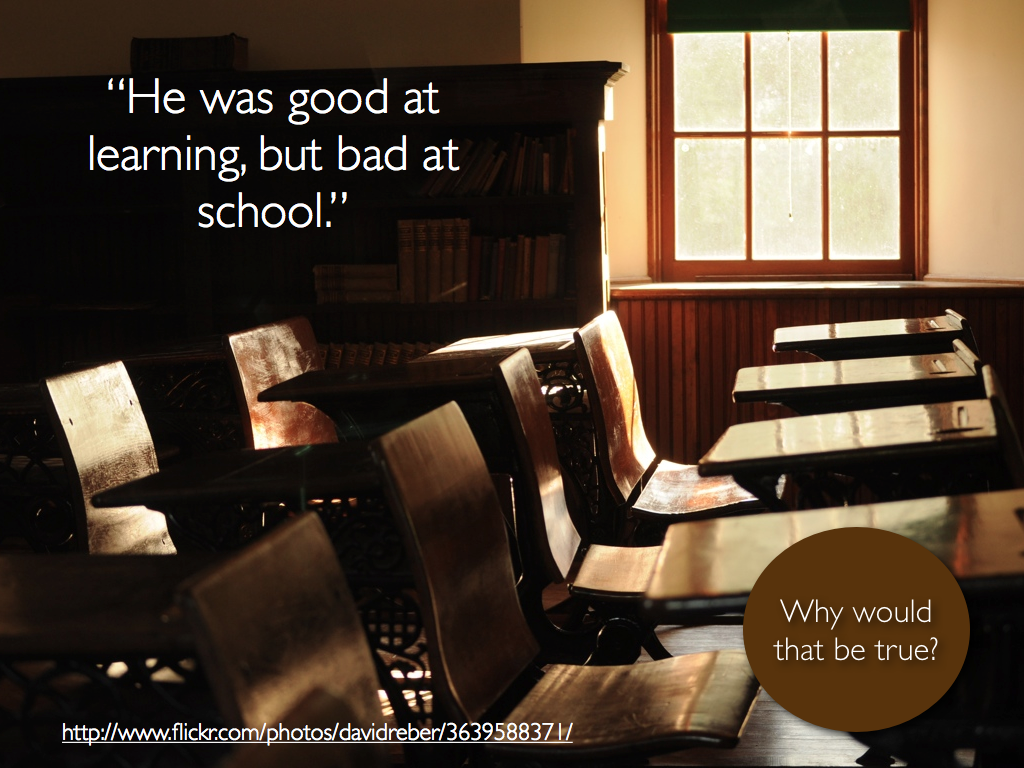
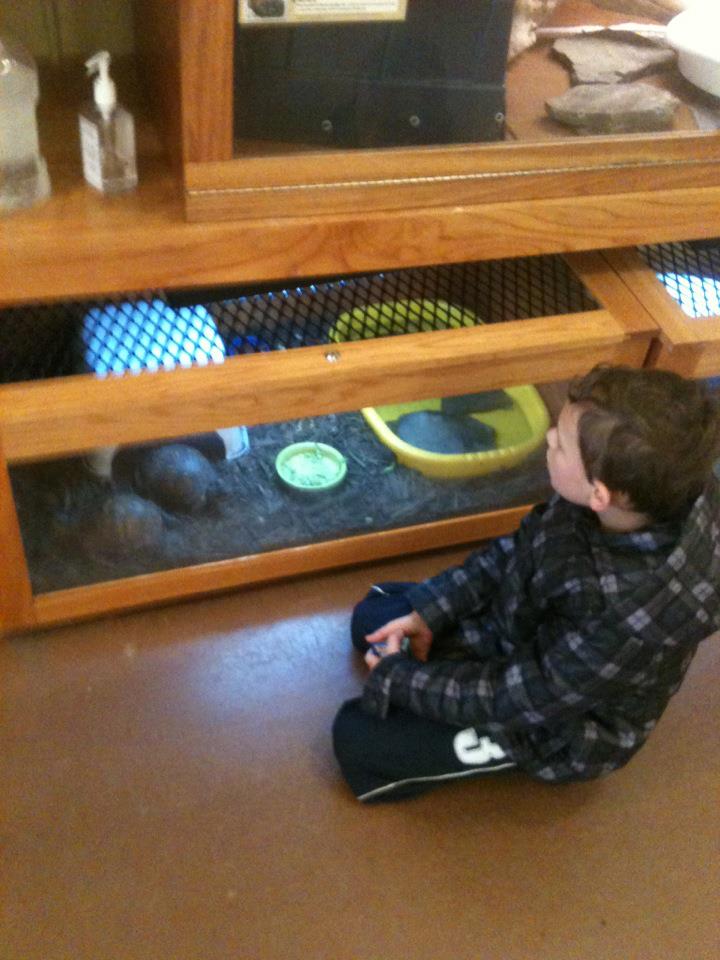
It pays to be friends with the amazing @johntspencer. Not only is a great person and enjoyable to talk to but he's also a great resource. #StuVoice, #Choose2Matter, and Education Dreamer recently launched The 12 Days of Dreaming Student Edition. I reached out to John and asked if he had some photoprompts that would work for this project and he sent me these from @lukeneff and himself.
These are just ideas that students and teachers could use to get their creative juices going as they think about how they would reimagine schools.
Again, these are just possible starting points for students as they explore submitting an idea for the project. Thank you John and Luke for letting us use these for this blog post!
Notice: Due to the holidays there will be no #smackdown next week. Happy holidays everyone!
This week's #Smackdown is Ask 3. Ask 3 is an iPad App from TechSmith. TechSmith is the company that has brought you Jing, Snagit, Camtasia, and Screen Chomp. This new app from them is derived from the teacher phrase, "Ask three and then me". Teachers create a classroom for students to join. Teachers can create videos on the iPad for students to view and comment on. Students can join a class, create videos as well, and comment on videos. You can hear my review and more about Ask3 on episode #21 of the Flipped Learning Podcast.
What I like about Ask3:
I think there is a lot of potential in this app. As far as iPad apps go, this one can give teachers and students has "all-in-one" potential. I think it would be great in a 1:1 setting with iPads or as a great option if you know a student has an iPad. One of the best parts about integrating technology into a classroom is using it to leverage learning. While not everyone will benefit from this app, there are certainly situations and students that will find it useful.
I like the ability for both teachers and students to make videos. I like the ability to leave and respond to comments. It's both quick and easy to make and comment on videos.
Demo: Here is a demo from TechSmith
What I would like to see:
I know that Ask3 is just in it's fist addition and I'm sure there are several suggestions I would have for my friends at TechSmith. As of right now you can only import one picture per screencast. I would like to be able to have several pages to flip through as I made my videos like a few other iPad apps. I think it would be cool if students and teachers could watch videos "together" like the Together Learn App. Also it will be great when it's available on other operating systems.
What's cool is I know TechSmith will listen and will make Ask3 an even better app. Just like the people who made Teachem listened to us! Check this out:
We've listened to your requests and added some new visibility features. Check them out here: bit.ly/Skr3Q8 #teachem
— teachem (@teachemthis) November 13, 2025
So what do you think about Ask3? How would you use it in your classroom? What would you like to see in the next update?
This week's #smackdown is Livebinders. Livebinders is a digital 3-ring binder. You can add websites, videos, documents, and more. Then once you have made one it is easy to share it out through email, Facebook, Twitter, Pinterest, Google+, or even embed it into your website. You can hear me talk about Livebinders on the Flipped Learning Podcast here.
What I like:
There are a lot of things I like about it. It's a great way to organize information. If you are a classroom teacher and want to put together a binder for a unit. If you providing professional development and want to have a resource for your teachers. It's even great for students to use for a project.
They have put together a variety of buttons that allow you to put information into a livebinder easily. They also have an iPad app, a Chrome app, and are featured on the Teachercast app. I also recommend you follow Tina and Barbara (@Livebinders) on Twitter. They share out great Livebinders and will share out yours.
Demo:
They also have a great set of tutorials that you can find here.
How I've seen it used:
In my role as a technology coach I have mainly used it to share resources with other teachers. You can check out my Tools for Flipping the Classroom and Tools for Building your PLN that I made with the great Tim Wilhelmus. I recommend you also check out Tim's other Livebinders.
What I would like to see:
Livebinders is a great tool but I think it would be cool if I could upload my livebinder into a Google presentation, or something similar, for presentation purposes. I know the links are live when you are showing off your livebinder to a group but maybe it would just take a screenshot of each tab/subtab and use those for the slides.
Do you use livebinders? If so, please share your livebinders in the comment section. Similar Post: Education Dreamer #smackdowns
This week's #smackdown is Teachem. Teachem allows you to embed a YouTube video on their site, then you can add questions and flashcards to the side that will highlight at certain times in the video. Once a video has been set up by the teacher, then he or she can share out the link with his or her students. If students have created an account, then they can leave questions, comments, and answers in the space next to the video. You can hear me talk about Teachem on Flipped Learning Podcast #19: Why Flipping is Student Centered.
What I like:
Any teacher who shares videos with his or her students always wants to find ways to makes to make the video more interactive. Teachem allows teachers to at least at some "pop up video" features to the videos. I tried it on my Macbook, a Netbook, an iPad, and even my iPhone (with the iphone you have to pause the video to see the flashcard).
Demo:
Here is a demo I made of Teachem.
How I've seen it used:
The amazing Andy Schwen created a Teachem lesson and said I could share it with you. You can find his geometry proof here.
What I would like to see:
I would like to see some more options for flashcards on the side. How about adding a "student question section". Students can ask questions and if another student has the same question they can "like" it. This would give the teacher an idea what questions students had after watching the video.
What are your thoughts on Teachem? How would you use it? What are other ways we can make videos we use in our classroom more interactive? The comment section awaits!
My wife and I recently went to our son's parent-teacher conference. Micah is in 4th grade and is having a great year. One reason he's having such a great year is because he has some amazing teachers who have connected with my son.
In talking with Micah's math teacher we began to talk about the way he occupies himself when he's done with what the teacher asked him to do. He'll draw, read, lean back in his chair, or talk. You know, typical kid stuff.
We talked about how Micah is into comic books and likes to draw his own super heroes. She talked about how he has plans to sell his comic books for a profit. None of this is new to me because my son is always trying to find a way to make some money on the side.
However, then she begins to tell me how she asked him a pretty simple question one day when he was talking about selling comic books. I'm not sure if the following conversation is 100% accurate, but it's close.
Teacher: How much are you going to sell your comic books for?
Micah: $1.00
Teacher: Why a dollar?
Micah: Just seems like a good price.
Teacher: Will you make your money back?
Micah: What do you mean?
Teacher: How much money does it cost you to make a comic book? Is $1.00 the right price?
After this conversation Micah began to research to see how much his comic books were costing him and how much should he sell them for when they are done. He looked at the cost of paper, markers, pens, and desks. He considered the amount of time it takes to make one and if he has the ability to make multiple copies.
It's not a graded project and there's no deadline. It's just a little project he can work on when he has some time. It's not about the curriculum or a test. It's about connecting math with the real world. Micah's teacher could have made him put away his drawings and forced him to do something more "educational" but instead she saw an opportunity to connect my son's passion for comics with mathematics.
The best part is that I don't think Micah has any idea that she did this. All he knows is that she started asking him questions that he didn't know the answer to and then she helped him find a way to discover the answers.
The ability to ask the right questions that peak our students' interest is a skill that all teachers could benefit from working on. That's what my son's teacher did that day. The right questions led Micah to think about math in terms of business and production. He was doing math without even really realizing it.
So how can we ask the right questions? Here are some times.
1. Ask questions that connect content with your students' interest.
2. Ask questions that lead to more questions and less answers.
3. Ask questions that lead students towards collaboration.
4. Ask questions that connect your content area with other content areas.
What are some tips you have for asking the right questions? Why is questioning more important today than answering?
Hey everyone! So I'm trying out a new weekly feature on Education Dreamer. I am going to do a weekly feature on a tech tool. As an eLearning coach I get to have the time to explore lots of new tools in education. So I thought I would share a tool each week. My good friend Troy Cockrum does a weekly podcast for the Flipped Learning Network and he has asked me to do a weekly "tech tool" spot on the show. I also work with an amazing group of coaches in my district. As part of our weekly meeting we have a time for tech "smackdowns" where we share out something cool we came across the previous week. Anyway, I'm looking forward to sharing these tools with you and I hope you like the new weekly feature. I promise this will be the only time I have a lengthy introduction.
What I like:
It's a great tool if a school is doing BYOD because it works on any platform. In my district we are 1:1 but a lot times our students' devices are in the shop for a lot of reasons. This allows my teachers to use our 1:1 device and give the students with devices in the shop an iPad and never miss a beat. It's very easy to use and can be set up in a matter of minutes and can be used on the fly. However, if you want to put in your class rosters and make it more structured, it does that too.
I also like the variety of questions you can ask. You can do open response, multiple choice, sort/order, ranking, and even draw response.
Demo:
Here is a quick youtube video I made for my teachers. You can also find this video on my YouTube channel.
How I've used it and seen it used:
I've used it in PD sessions to get audience feedback and I've been in teachers classrooms when they've used it to collect formative assessment data.
What I'd like to see:
I think it'd be cool if I could relinquish control to a student. I just think it'd be neat if a student had a question and could ask it to the class and then have a record of the data from his or her peers' thoughts and ideas.
Alright, that's my first #smackdown. I plan on doing one every Thursday. Let's see how long I can do this before I get bored and move on. I'm the guy who has changed positions every three years. So we'll see how long I can keep this up. Place your bets now. :)
So what do you think? Would you use InfuseLearning in your classroom? Why or why not? If so, how would you use it? What other tools are our there like this one? Finally, do you like the new weekly feature idea? The comment section awaits!
This is a blog that I originally wrote for SmartBlogs. You can find that post here.
School already has started for me. It’s always exciting to start a new year, and, even better, I am in a new building. During my 10-year career, I have been in five buildings: two middle schools, two K-8 buildings and one high school. Even though there have been specific things that have set each building apart from another, there are two things they all have had in common: Everyone wants a voice and choice.
Voice
Everyone wants to be heard. I don’t mean only listened to, either. People want to know their opinions matter and that they have a chance to contribute to their school. Students want their school to be a reflection of them. Teachers want the same thing. They want to have a voice in their professional development and initiatives being implemented. Like students, they want to be able to speak out when they are frustrated and share when they are excited.
The fact is students and teachers will find a place to voice their thoughts, but when a school provides the place for their voice to be heard, it can change the school’s culture. There are several ways schools can do this.
Student blogging: Linda Yollis recently wrote about the benefits of blogging with young students. Using websites such as KidBlog.org, schools can create a place for students to share their voices.
Student websites: A student-created site using Weebly or Google is another way for students to share their voices creatively.
Twitter: Our school recently started a Twitter account (@GLAinfo) and a hashtag (#evscGLA), allowing students and parents to tweet questions and share information.
However, you can’t forget about the introvert — the student who has a voice but doesn’t feel comfortable sharing it in a public venue. It is crucial that we develop a relationship with these students. If a child doesn’t want to blog or tweet, that’s fine with me. Such students can “blog” on a piece of paper and hand it in to me. I’ll comment with sticky notes and hand it back. What I want to do is show these students that their voices are as important as those of students who use social media.
As a former classroom teacher, I want my leadership to give me time and opportunity. A lot has been written lately on “flipping” professional development, and this is one way to give teachers time and opportunity to discuss issues, instead of “sitting and getting” during a faculty meeting. Also, I want to be able to go to my administrator’s office and talk if I need to. Outside the building I work in, I have my personal learning network, which is always there when I need to share my voice. Participating in #Edchat or #Flipclass chats gives me a place to share my ideas and thoughts. Plus, I always walk away with more than what I brought.
Choice
The other thing that everyone wants is choice. Students want to have a choice in what they learn, how they learn and how they show what they have learned. They want choice in what they do daily and the ability to make changes as circumstances change. You can’t truly provide choice if you haven’t heard their voice. If you are the one who came up with all of the choices, that’s not real choice. Let students design the next learning project. Something as simple as a choice board will give students options in how they are assessed.
Teachers want to have choice in things such as their schedule, committee assignments and professional development. I give my teachers the Coach’s Menu, from which they can select professional development. My teams also have Tech Tuesdays, during which teachers can access professional development at our office on any topic they want. We surveyed our teachers last year with Google Forms to find out what kind of full-day professional-development sessions they would want to attend. Again, as with students, we listened to their voice, which led to giving them choices.
I know that there are times when choice is not an option. However, the more choices we can provide our students and teachers, the better, especially if those choices are given as a direct result of the voice we allowed people to have. Why do you think #Edchat is so popular? It’s because we have choice in the topic, and it’s a place where our voice can be heard.
As a person who provides professional development to teachers in my building, I am working hard at giving my teachers a voice in the professional development they receive and a choice in how and when they receive it. If voice and choice are things we all want, then we should be thinking about how we can provide them to others.
I am going to try to take off my educator hat and put on my parenting hat for this post. I am doing this because my kids went back to school this week. My oldest son is the 4th grade and my middle child is in 2nd grade. My youngest is only 3. So he gets to stay at home and terrorize his mother.
I must take a moment today and blog about how much my oldest son's teacher has impressed me in just three days of school. First of all, I got an email from her on the second day. I have to be honest with you, I have received plenty of emails over the last few years and they have not all been good. My oldest is very bright and creative but he can also be stubborn and disruptive. In other words, he's a typical kid. However, the email I received from his teacher told me how smart and funny my son is and how excited she is to have him in class. I was instantly won over as a parent and I was sure to tell my son about the great email I received from his teacher. His eyes lit up and huge grin came across his face. I think she has won him over too.
But wait...there's more...
So I come home yesterday from my school and my son runs to me to and starts telling me as fast as he can about a project they are doing for science. He's got his group and they working on an experiment. They are going to test their experiment on Friday and he couldn't be more excited. In fact, he kept bringing it up all night long.
Every night when I put my kids to bed, I try to spend a good 10-15 minutes with each on just so we can talk. It's important to me that I spend time with each of my kids individually. Of course, last night Micah wanted to talk to me about his experiment. He talked to me about how he knew other groups were using some of his group's ideas in their project. I asked him what he thought about that. He said that was fine because they were using other people's ideas too. He told me, and I quote, "I think everyone is using other groups' ideas and then modifying them to what they think will work."
I'll be honest with you, as a parent and an educator, I teared up a bit last night as we spoke. From a parent's perspective my son's teacher has shown me that she cares about my son and wants to communicate from day one. It is awesome to hear my son talk to me about collaboration, applying, analyzing, evaluating, and creating after just three days of school. My son is excited about her class and is already wondering about what next week's project may be.
Let me also mention that this entire project is only happening at school because I send my kids to a school that believes school is school and home is home. My kids had no homework, text books, or letter grades last year. All they asked was that we encourage our kids to be kids and to read with them daily. I can do that.
I know it's early, but this year is certainly starting off right!
Recently I worked with a team of coaches (@twilhelmus, @lawilhelmus, @MrBrianBobbitt, @juliesteve4, @TechECoach, @mrg_3, and @stacymath7) and put on a days worth of professional development on creating the student-centered classroom. I was honored to kick off the day with a short talk about creating the student-centered classroom. Here it is: It's about 10 minutes long. Go ahead and watch it, I'll wait.
10 minutes later...
Thanks for watching it and I hope you enjoyed it. You can find my Jux presentation here. There are a couple of things I'd like to expand on if you don't mind. Even if you didn't watch the video, these will still make sense to you...I hope.
I can not tell you how to create a student-centered classroom...but please don't stop reading.
This is crucial to me because I have found that most people want somebody to give them the answers. The reason why our students suffer from can-you-please-just-give-us-the-answer-itis, is because they are human. It's the same reason adults suffer from the same problem. I hate being told by the doctor, "Try taking this and if there is still a problem in a couple of weeks, come back and see me." Wait! You mean this might not fix me! We like certainty and comfort. So lets not get upset when our students ask us to just give them the answers because we tend to do the same thing.
However, back to my point, creating a student-centered classroom is a lot like parenting. There are a lot of right ways to do it and a lot of wrong ways to do it. The one thing is, there isn't just one way to do it. So, you have to just look at what other people are doing and see what applies to your students.
However, this would be a useless blog if I didn't at least give you, what I think, are a couple of great places to start.
A great place to start is by asking yourself this question, How long can I talk about my students without bringing up appearance, test scores, or academic ability? The longer you can talk about your students without bringing these things up is a great test of how well you know your students. Now yes, those things I mentioned are part of who our students are, but are they the most important things? To me, creating a student-centered classroom is about relationship and not just about creating assignments around students' interest. The quickest way to lose a classroom is to reduce our students down to a number. The kids we are entrusted with are people with hopes, dreams, fears, and doubt. They want to know that you are just as interested in them becoming the best than can be as a person as much as you are interested in if they pass your class or not.
Three things that tell me if a classroom isn't student-centered. 1) The majority of the lessons are exactly the same as they were last year. 2) The teachers only idea of being student-centered is having a story problem with a basketball in it because one of his or her students is on the team. 3) The students have no choice or voice.
Creating a student-centered classroom requires the teacher to relinquish control.
Noooooo! If I relinquish control I'll have anarchy in my classroom! They'll never do anything! It'll be a free-for-all! Ok, I'll put away my mocking voice, and move on. Yes, I know this is hard. It's hard for teachers people to relinquish control and it's hard for students people to take control. Again, for the most part, we are happy to let people tell us what to do. Some of the best behaved classrooms are full of teachers who are great at setting clear expectations and students who more than happy to "play school".
My friend Tim Wilhelmus is great at talking about giving students choice and voice. This is where the work is to be done. What can we do to give the students choice and voice in their own learning? To me this depends on the students and the teacher. Again, there is not one way to create this. Choice can be given to students by allowing them to pick how they learn the material and what direction they go in their learning. Voice can be given by allowing students to pick how they are assessed and who they share their work with.
Make your classroom like a birthday party for your students.
If you took the time to watch the video above and have made it this far in this post, thank you. At the end of my talk I mentioned my nephew Gentry and how his birthday party screamed Gentry. Everything about it was centered around him. In a few months his twin sisters will get the same treatment. Every kid deserves his or her day! I have no doubt that my nephew isn't the only kid in this world that received a Star Wars Lego set for his birthday. However, I doubt no two gifts were wrapped the exact same way. Every 7th grader in Indiana might be taught how to "write and solve two-step linear equations" but that doesn't mean that knowledge has to be wrapped the same way.
Every thing we do should speak to our students that we are honoring them as individuals.
I wish I had more for you. I wish I could tell you exactly what to do to make your classes student-centered. I really did because I have struggled with the same thing. You won't succeed every time, but you will fail if you never try. It won't be easy. You'll fight to give up control and the students who love to "play school" will fight you about being asked to take control. However, in the end, the fight will be worth it because you'll be able to go home and rest knowing you did what was best for your students and they will leave your classes with a greater grip on what it means to be a life-long learner.
So, help me out here in the comment section. What have you done this year to make your classroom student-centered? What are some ways you have given your students choice and voice?
A rare thing happened today. I had nothing to do and it has been wonderful. I decided to take the cardboard on my back porch to the recycling center at Wesselman's Park here in town. I asked my oldest son Micah if he wanted to go with me and then walk the nature trails. He was eager to join me and we were on our way. I didn't talk much on our little adventure but spent most of the time listening to my son. I was amazed at how many things he said that made me think about school. Here are just a few of the wise things my son said to me throughout the day.
"Man, this is going to be a great trip for my brain."
He said this after we had just started on the trails and he had stopped to read an informational sign about birds. Made me think about if we provide the same trips for our students. If I ever go back to the classroom, I will post this saying in my classroom. Every day should be a great trip for your brain. "Dad, this is great. It was your idea to come here but now that we're here you're letting me pick which way to go."
Micah said this after we had come to a fork in the trail and I let him pick which way to go. This is something we can all do better for our students. I might pick for my students what we are going to study next. However, once we get our students into the forrest, why not let them pick the path. Any path my son picked would have eventually led us to the same end. We can and should provide the same thing for our students. "I'm so glad we had this conversation, or else I never would have thought of that!"
My son loves the idea of inventing. He is constantly talking to me about his next invention. During our walk I was just letting him spout off any idea he wanted with no judgement or negative feedback. We were just talking about it. I'm not even sure what I said now, but something I said sparked the above comment. Nothing can replace having genuine conversations with your students. I didn't have all the answers and neither do you but by collaborating with my son, together, we were on to something. "I know I make mistakes sometimes but that's how I learn."
Micah was caught up in talking to me about Pokemon when a tree branch stepped out in front of him. I asked him if he was ok and he fired back the above quote. It was the last branch he ran into that day. Don't be afraid to let your students fail. Don't be afraid to let yourself fail. It's how we all learn. You're not a failure until you stop learning from your mistakes. "You know, this is a good way to build a father-son relationship."
It's amazing when you go out of your way to make a kid feel special, you are one that ends up feeling special. As a father of three boys I do my best to spend time with each of them individually. I took my middle son on a trip to Walmart to pick out ice cream later in the day and videoed my son Levi dancing to Rio. As a teacher, we need to make sure we spend time with each student on an individual basis. I know are classes are full and our time is booked. However, we do our best work with the students we have a healthy relationship with. Take time this week and talk to a child. You'll be amazed how much better you will feel and how much you will learn.
The title of this blog may come as a shock to those of you who know me, but I promise you I have not gone crazy.
My colleagues and I had a very interesting discussion today in our weekly eLearning team meeting. The discussion was centered around Twitter and if we should open it up for students. Just for some background information, I work in a 1:1 environment, there are certain websites that are blocked no matter where the students are at with their Netbooks, and websites like Twitter, Facebook, and YouTube are only open on staff computers and in computer labs.
It was a good discussion about the pros, cons, how many teachers would actually use it (Is there a magic #?), and what type of education/PD would we, as eLearning Coaches, need to provide. Anyway, it really got me thinking about what do we really need to teach students.
First of all, I am all for opening up twitter to all students. It is a fantastic tool that I use on a daily basis. When I have a question, I am just as likely to tweet the question to my PLN as I am to look it up on Google. I can think of all kinds of ways to use it in the classroom, for professional learning, and for personal enjoyment.
Beyond that, part of me dies every time we hinder learning. Make no mistake about it, when we block websites unnecessarily, and restrict our students access to information, we are hindering learning. I am not sure what we are afraid they will learn out there in "the wild". I grow weary of students being told what to learn, when to learn, how to learn, and how to show teachers that they have learned.
That being said, as I pondered opening it up for students and the question of how do we accomplish that, I am not sure if I think we should teach Twitter to our students. Here is why, Twitter is just a tool. While I think that Twitter will be around for a long time, I am also certain there will be a day when Twitter will be dethroned. The real question is, what is your expected outcome? Do we want our students to learn the latest tool that, in the end, will only be around for a fraction of their lives? Or do we want to teach them how to interact in society? A skill that will stay with them their entire lives.
What if we just taught communication and collaboration skills? Then students and teachers can just use the tool that best fits their needs. Here is my recommendation and I'd love to hear your thoughts/comments about this on Twitter, Facebook, email, the comment section, or hit me up on my pager. Lets make sure everyone knows the proper way to communicate and collaborate. It doesn't matter if it's in person, online, Twitter, Facebook, Skype, Google+, email, smoke signals, or some way that hasn't been imagined yet. Communication is communication, no matter the forum. Then, grant our students access and expose them to the tools that are available and support their use of those tools.